Potion Craft
Material Coloring & Potion Brewing & Sim Management

A computer graphics experimental game project,
with multiplayer gameplay mechanism
made by three.js
Video intro
- Game Name
Potion Crafter
- Fotmat
Video Game
made with Three.js
- Team work
Zong Yiran (Me) - Project Manager, Visualization Programmer
- Contribution
-
Gameplay & Mechanics
-
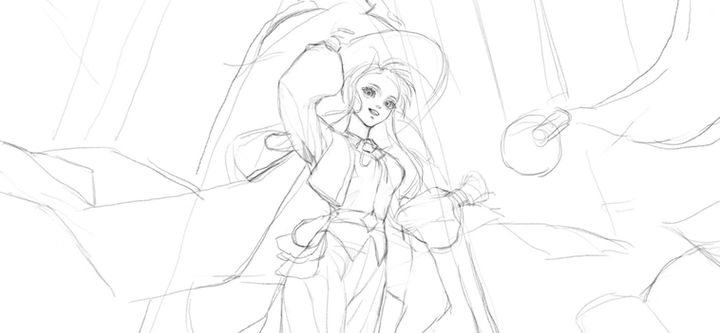
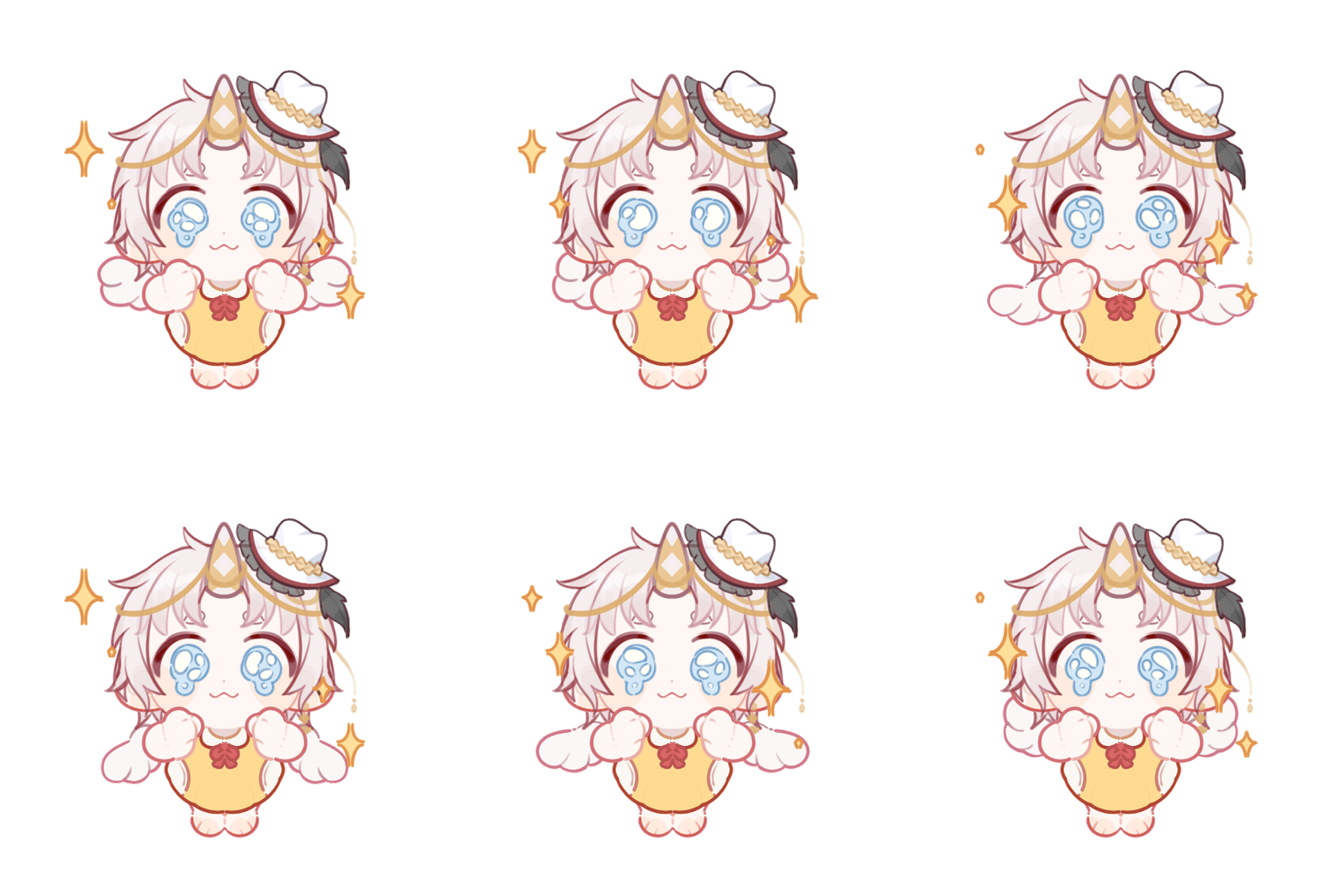
Character Design
-
Aesthetic & Concept Design
-
Interaction Implementation
-
Shader Compiled with Three.js (Water Surface Simulation, Potion Visual Effects, Particle System, Toon Pipeline Rendering. Etc)
- Timeline
Dec 2024 - May 2025
Produced in COMP4025 Interactive Computer Graphics
Hu Rui - Service Developer,
System Developer
The Tale Begins in…

Where Feelings Melt to Liquid Light
Through streets that breathe enchantment's glow,
A workshop blooms where shadowed pathways wind.
On whispers old:
"Speak your heart's burden at the threshold,
And coins shall turn to potions bright—
Truth in a vial's hold."

Game Flow: A Quick Guide
Now, you and your friends will play the role of staff at this mysterious magic potion workshop, using ‘emotions’ to colour, complete orders, and collect customers' ‘emotions’.




Step1:
Craft Material
In the workshop's "Primordial Cabinet", there are basic geometric forms condensed from void energy. These pure shapes possess a natural affinity for emotional hues.
The type of "emotion" used, the order of dyeing, and the geometric properties will trigger vastly different material transformations.
Step2:
Synthesis Potion
Place the prepared ingredients into the cauldron to brew a magical potion.
Three elements of the ingredients determine the potion’s effects, including its function, duration, and potential side effects.
-
Quality,
-
Type,
-
Quantity
Date:10-7
画对话框+字
Date:10-7

For 5 gold, I can prepare a 'Dreamland Serenity' potion for you. It’ll help calm your mind and give you a deep, restful sleep.
I'm so worn out, but I just lie in bed staring at the ceiling. Can't fall asleep at all.

Step3:
Fulfill Orders
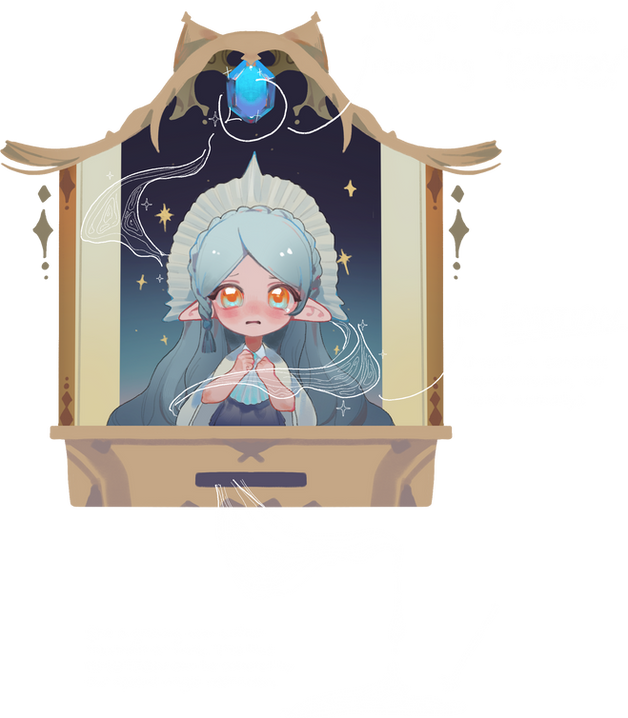
Customers will come to the workshop's magic door and share their troubles. Based on their requests, emotions, and the amount of gold they offer, provide them with a potion that best suits their needs.
Special Mechanism Design
Role Mechanism
This is a multiplayer cooperative game where you and your friends can choose different roles and work together to complete potion-making tasks.
Different roles have the following distinctions:
-
Usable Emotion Colors: Each role can use different types of emotional colors.
-
Active Skills: Provide various bonuses to the production process.
-
Passive Skills: Influence the process they participate in.

Name
Occupation
Skill Set
Skill Name
IntroductionIntroductionIntroductionIntroductionIntroductionIntroductionIntroductionIntroductionIntroductionIntroductionIntroductionIntroductionIntroductionIntroduction
Skill Set
Skill Name
IntroductionIntroductionIntroductionIntroductionIntroductionIntroductionIntroductionIntroductionIntroductionIntroductionIntroductionIntroductionIntroductionIntroduction
How to get ‘Emotions’ - mechanism
Creating magical materials consumes emotional colors. Ways to obtain emotional colors include:
1, Collecting customer emotions when they visit the workshop, which may be related to the troubles they are facing or the effects of their previous potion.
3, Active or passive skills of certain roles.
2, Purchasing with gold coins, though this is generally not cost-effective.

Date:10-7
Date:10-7------------------------------------------------------------------------------------------------
Game Art Design
Holistic Visual Style
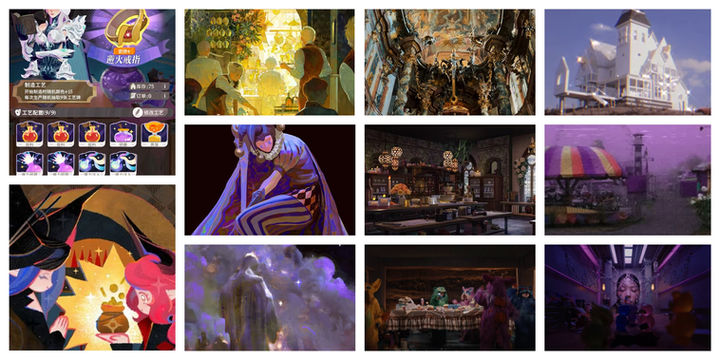
Reference:
Character Design
left ref
right outcome (sketch)
Prop Design
left outcome(sketch)
right ref
Vision Design Attempts
Use Three.js to simulate and create this game, and experience programming shaders and animations.
这里放视频,放过程材料
Effect Composer
Implement dreamcore + comic-style rendering effects

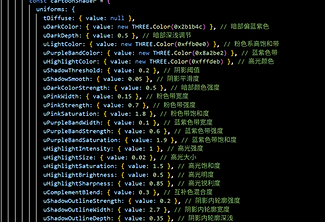
By compositing multiple rendering passes, a unique visual style is achieved:
Outline Pass:
Adds black contour lines around selected objects in the scene to emphasize their silhouettes.
Toon Shading Pass:
Implements advanced cartoon-style effects, including:
- Remapping of light and dark regions for stylized lighting
-
Color band quantization to create stepped shading
-
Enhanced specular highlights for exaggerated shine
-
Inner shadow contours to emphasize form within shaded areas
Inner Contour Shader Pass:
Renders internal outlines within objects to further define shapes and add depth to flat surfaces.
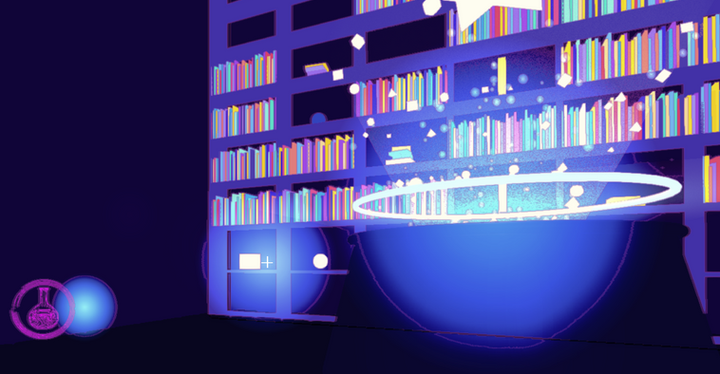
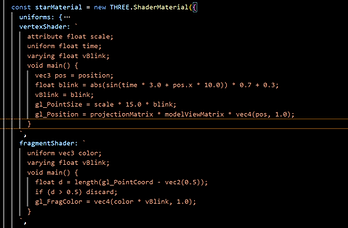
The particle system is a core part of the game's visual effects, used to create various magical effects, potion reactions, and environmental atmosphere. The game's particle system adopts a modular design, combining Three.js's low-level capabilities with custom shaders to achieve rich visual performance.
Main Particle System Architecture
The game uses a core ParticleSystem class to manage all particle effects.
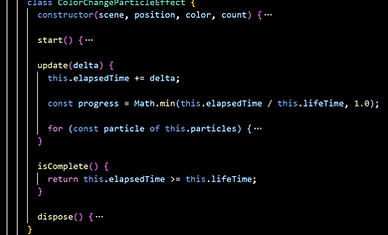
Color-Changing Particle Effect
The most basic particle effect is ColorChangeParticleEffect, used for various interactive feedback.
Other Effects such as Magical Bubbles in the Cauldron
截gif 染色时的粒子
Particle System
An interface of particle effects

截gif 坩埚粒子
Lighting and Material System
Achieving Visual Effects Using Basic Computer Graphics Principles

Lighting System
-
Ambient Light – Creates a soft overall base illumination with a light blue and pink tone
-
Point Light – Provides localized lighting at positions such as windows, doors, and the cauldron
-
Lens Flare – Adds glow effects to point lights to enhance the magical atmosphere
Material Effects
-
Custom Shader Material
-
Normal Maps – Adds detailed bump effects to walls and floors


截gif 完成动画
To enrich the visual effects of the game, different types of animations were implemented.
FBX Animation
By using external FBX resources, character action logic is created to respond to keyboard input and gameplay events (such as walking, running, jumping, etc.).
Procedural Animation
Many objects have their own unique procedural animations, such as the rotation, floating, and lighting effects of the cauldron and magical items.
Animation System
Rich animation effects are the source of the game's completeness and originality

角色动画
星星动画
Programming Techniques

01
Collision Detection
Sphere-bounding box collision algorithm:
The player is represented by a sphere and the object by a bounding box.
The distance is calculated to determine the collision, and a plane projection is used to achieve a sliding effect to ensure smooth movement of the player in a complex environment.
02
Interactions Between Objects
Various in-game events have been implemented and are managed and unified using the Command Pattern.
-
Raycasting Detection: When the center of the screen is aligned with an interactable object, a corresponding prompt will appear.
-
Key Input Detection: Events are bound to specific keyboard keys and are triggered when predefined conditions are met.
-
Player Proximity Detection: Invisible interaction zones are set at designated positions; when the player enters these zones, a prompt is displayed.
